← Back to All Guides
GSE Smart IPTV: How to Download and Install (Complete 2026 Guide)
GSE Smart IPTV is a powerful IPTV player that allows you to stream live TV, movies, and series using your own IPTV subscription.
Important: The app does not include channels — you must add an M3U playlist or
Xtream Codes API.
How to Download GSE Smart IPTV for All Devices
GSE Smart IPTV for Android (TV / Phone / Tablet)
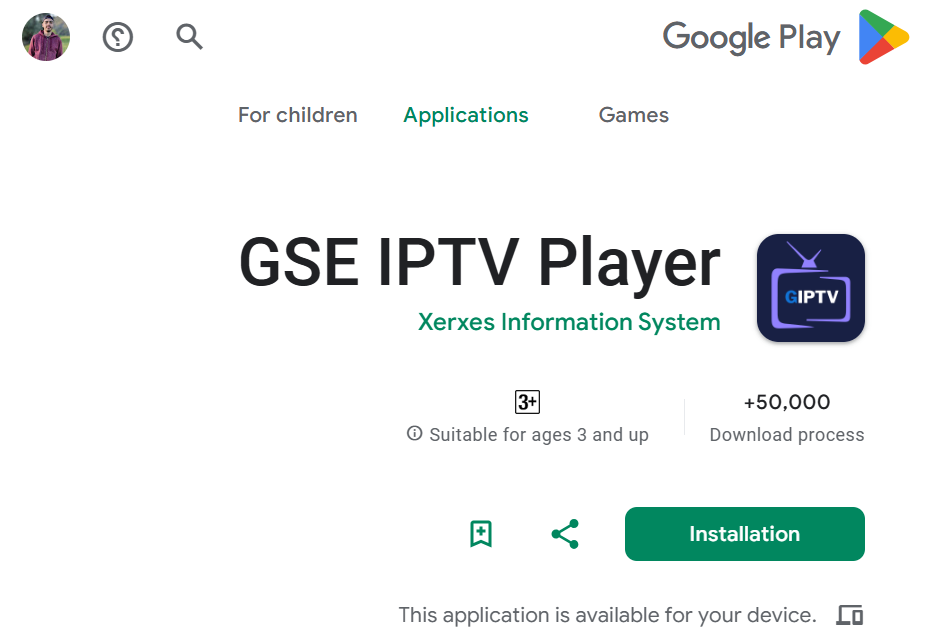
- Open Google Play Store
- Search for “GSE Smart IPTV” or "GSE IPTV PLAYER"
- Select the app (by Xerxes Information System)
- Tap Install
GSE Smart IPTV for iOS (iPhone / iPad / Apple TV)
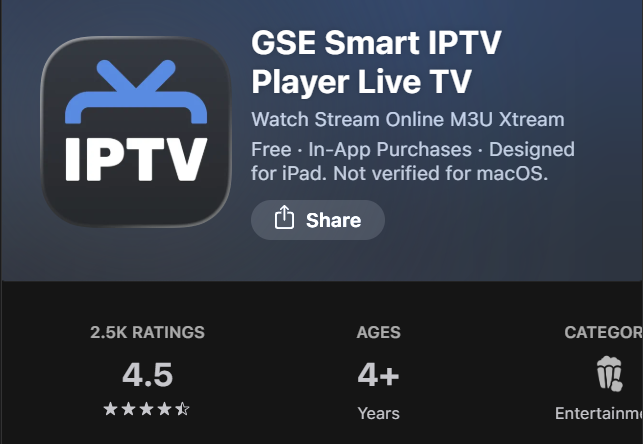
- Open Apple App Store
- Search for “GSE Smart IPTV”
- Download and install the app
GSE Smart IPTV for Amazon Firestick / Fire TV
Since the app is not always available directly on the Amazon store, you need to install it manually.
Step-by-step:
- Go to Settings → My Fire TV → Developer Options
- Enable Apps from Unknown Sources
- Open Amazon Appstore and install the Downloader app
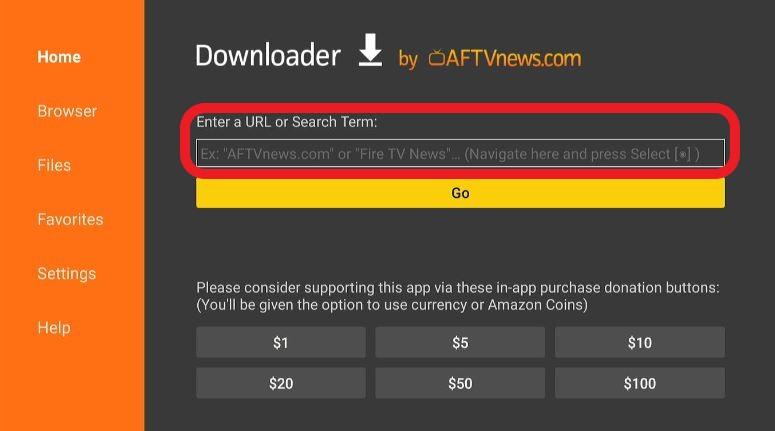
- Open Downloader and enter the APK URL or code:
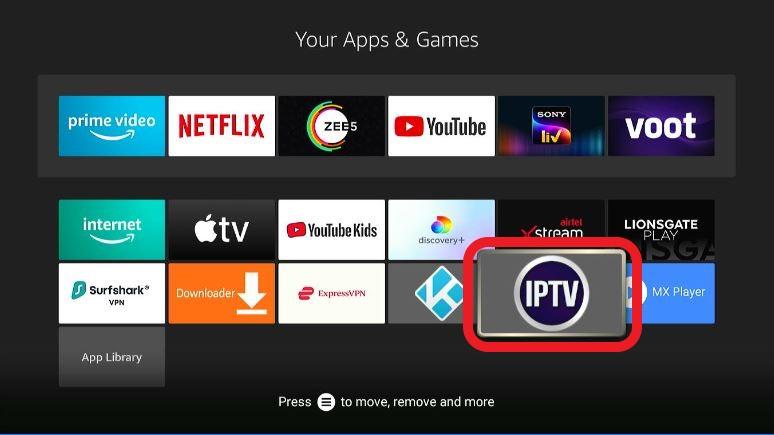
298344 - Download and install GSE Smart IPTV
Setup Instructions: How GSE Smart IPTV Works
After installation, the app requires IPTV credentials from your provider to function:
Option 1: M3U Playlist
- Add a playlist URL provided by your IPTV provider
- Channels will automatically load inside the app
Recommended
Option 2: Xtream Codes API
Enter the following details provided in your subscription email:
- Server URL
- Username
- Password
Why this is better:
Provides a better interface, automatic channel grouping, and a built-in TV guide (EPG).
[Image: Xtream Codes Setup Screen]