How to Install and Setup IBO Player Pro (Official 2026 Guide)
Looking to install IBO Player Pro on your device? This step-by-step guide will help you set up the app on Smart TVs, Android devices, Apple devices, and Windows PCs .
IBO Player Pro is an IPTV media player app that lets you stream live TV, movies, and series using your own playlist or subscription. It does not provide any content itself—you need to purhase an IPTV subscription and add it to the app to watch channels from any iptv provider.
📥 How to Install IBO Player Pro on Your Devices
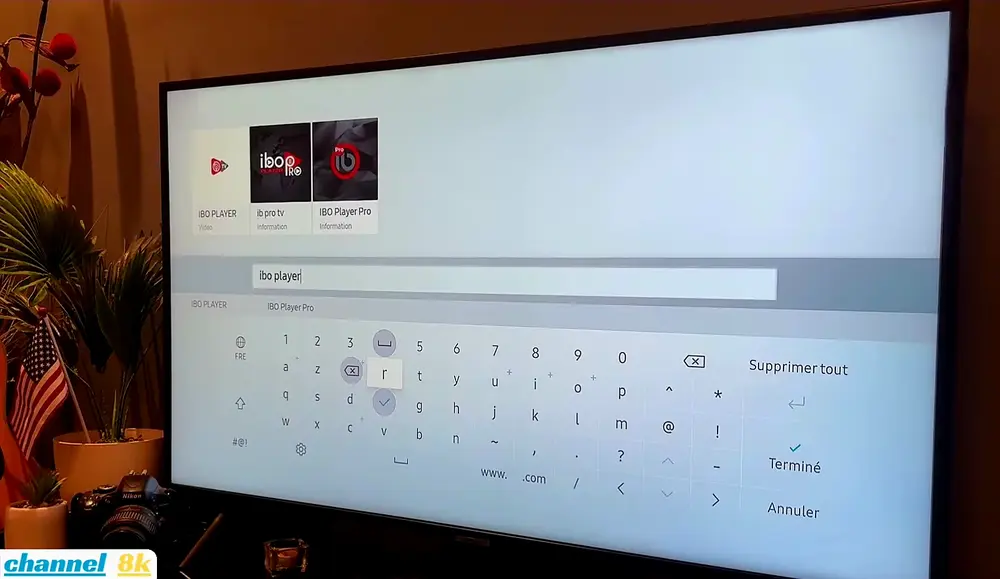
📺 1. IBO Player Pro for Smart TVs (Samsung smart tvs)
- Press the Home button on your remote.
- Go to Apps.
- Search for "IBO Player Pro" or "IBO Player".
- Click Install.
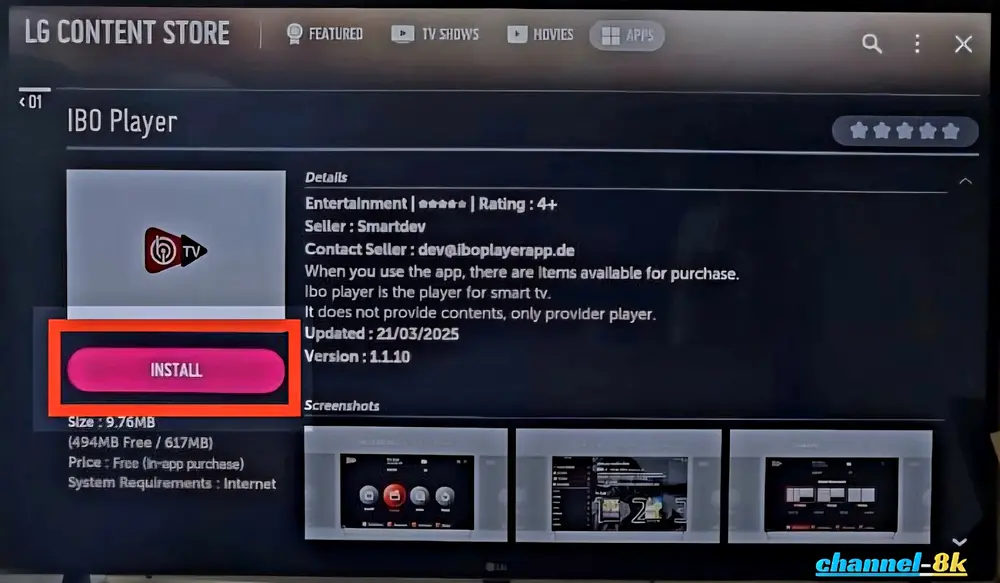
📺 2. IBO Player Pro for✅ LG Smart TV (webOS)
- Open the LG Content Store.
- Search for "IBO Player Pro".
- Click Install.
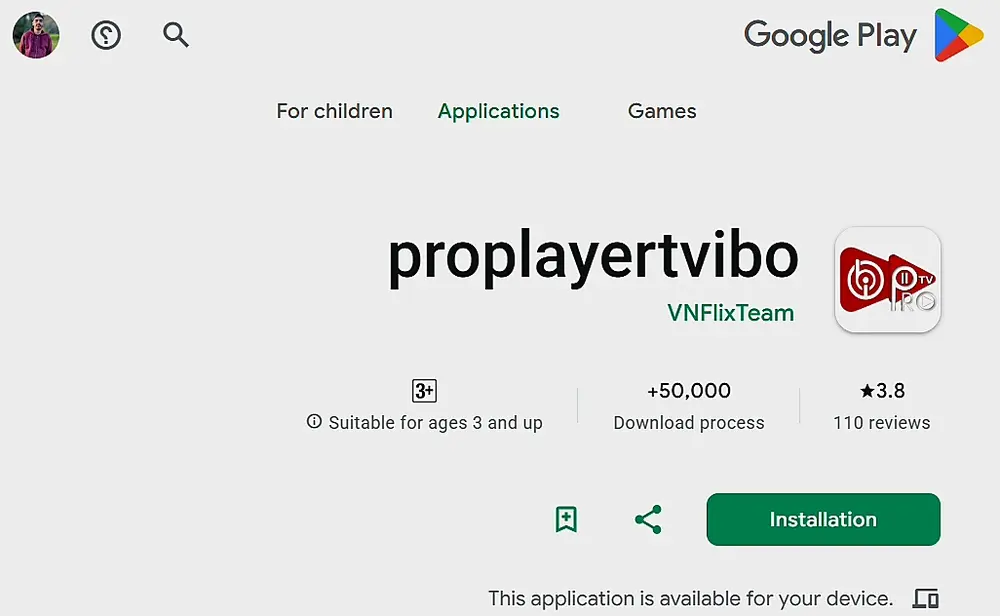
📦 3. IBO Player Pro for Android TV (Google Play Store)
- Open the Google Play Store.
- Search for "IBO Player Pro" or "IbPro Smart Player".
- Click Install.
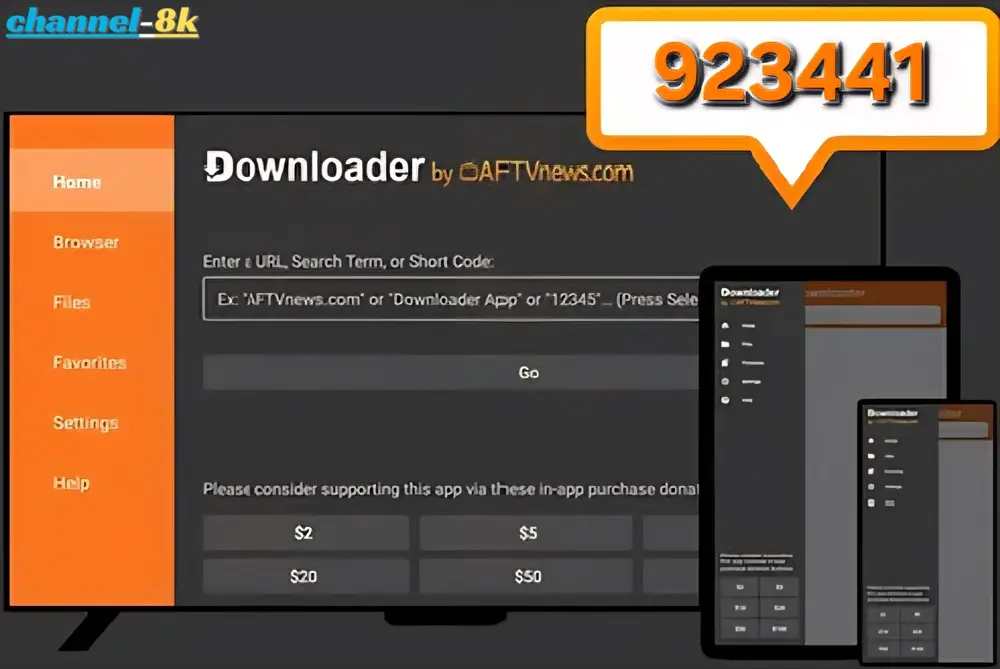
🍎 4. IBO Player Pro for Amazon Firestick (Downloader Method)
- Install the Downloader app from the Amazon Appstore.
- Go to Settings → My Fire TV → Developer Options.
- Enable Apps from Unknown Sources.
- Open Downloader and enter one of these codes:
923441or5546232. - Download and install the APK.
🍎 5. IBO Player Pro for Apple Devices (iPhone, iPad & Apple TV)
Compatible with iPhone, iPad, and Apple TV (tvOS).
- Open the App Store.
- Search for "ibo Pro Player".
- Tap Install.
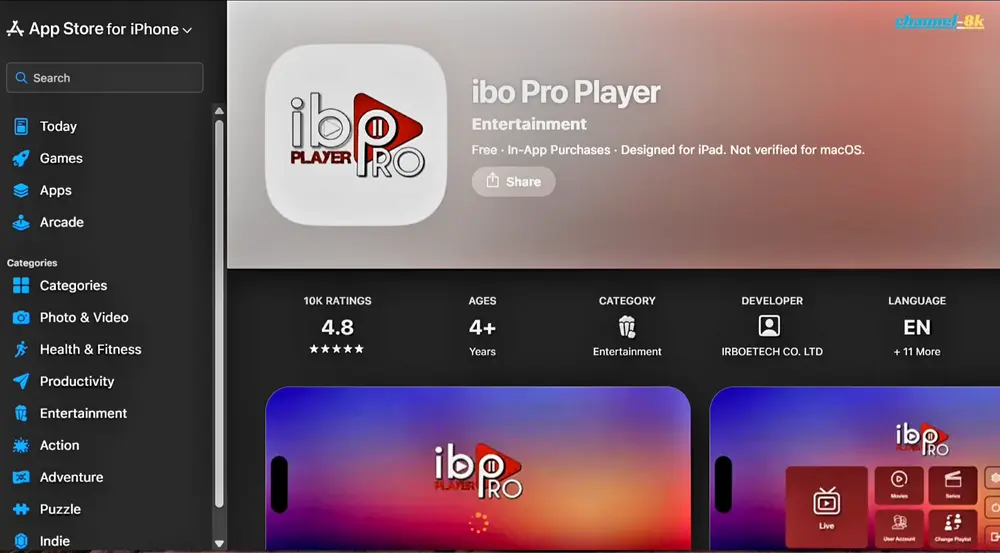
💻 6. IBO Player Pro for Windows PC
- Open the Microsoft Store.
- Search for "IBO Player Pro" or "IBO Player Smarter".
- Click Download.
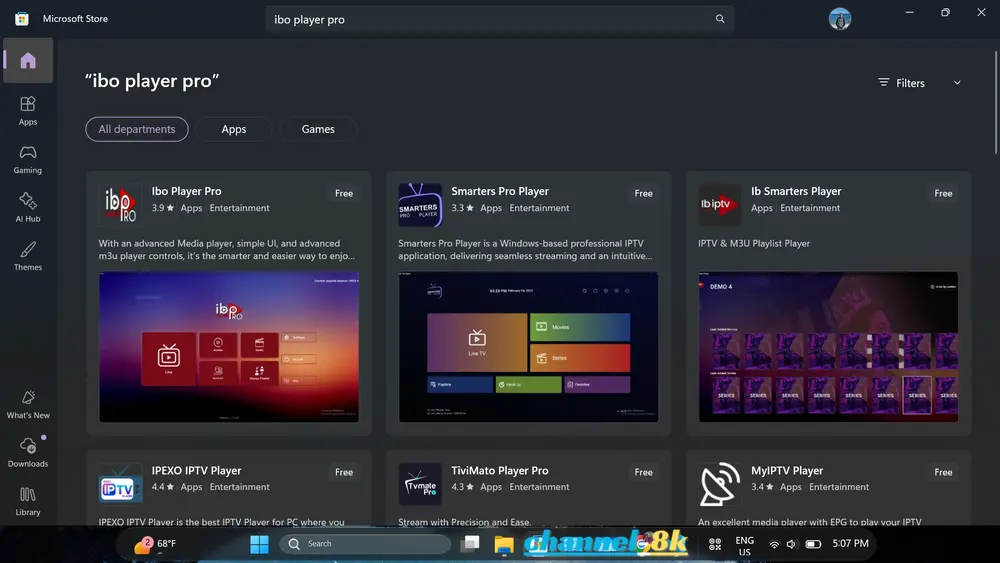
🔑 How to Activate and Set Up IBO Player Pro (2026)
Once the app is installed, follow these precise steps to connect your IPTV subscription and start streaming content immediately.
-
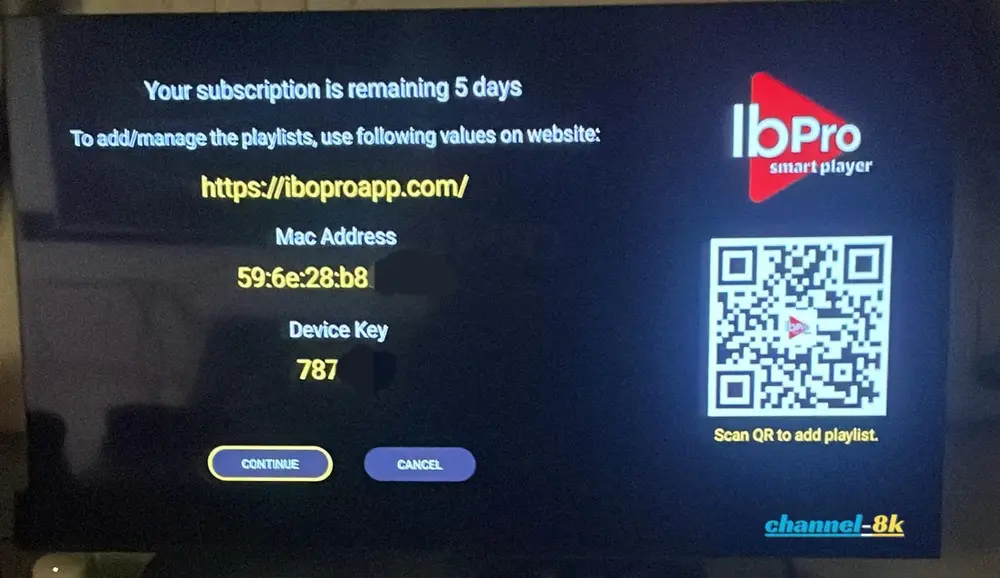
Find your Device Details:
Launch the app. You will see your MAC Address and Device Key displayed on the screen. Keep these noted down.
-
Visit the Activation Portal:
Go to the official IBO Player website (URL shown in the app) on your smartphone or PC. Enter your MAC Address and Device Key to manage your playlist.
-
Add your IPTV Playlist:
Upload the M3U URL or Xtream Codes API details provided by Channel-8K. This will sync your channels to the app.
-
Need Help?
We recommend sending your MAC address and Device Key to our 24/7 Support Team. We can perform the activation for you at no extra cost.
-
Restart and Stream:
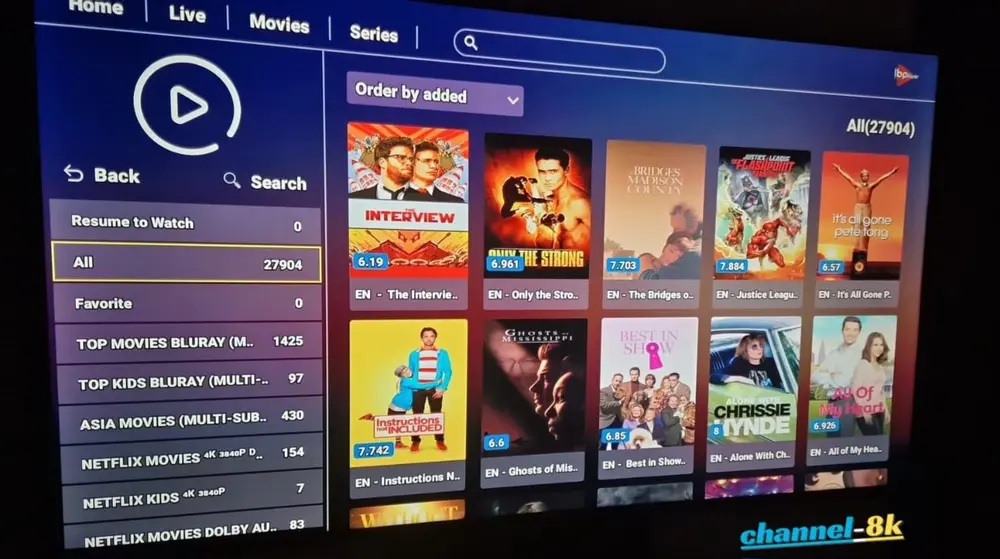
Restart the app on your TV. You will now see the home screen with your playlist categories ready to watch.
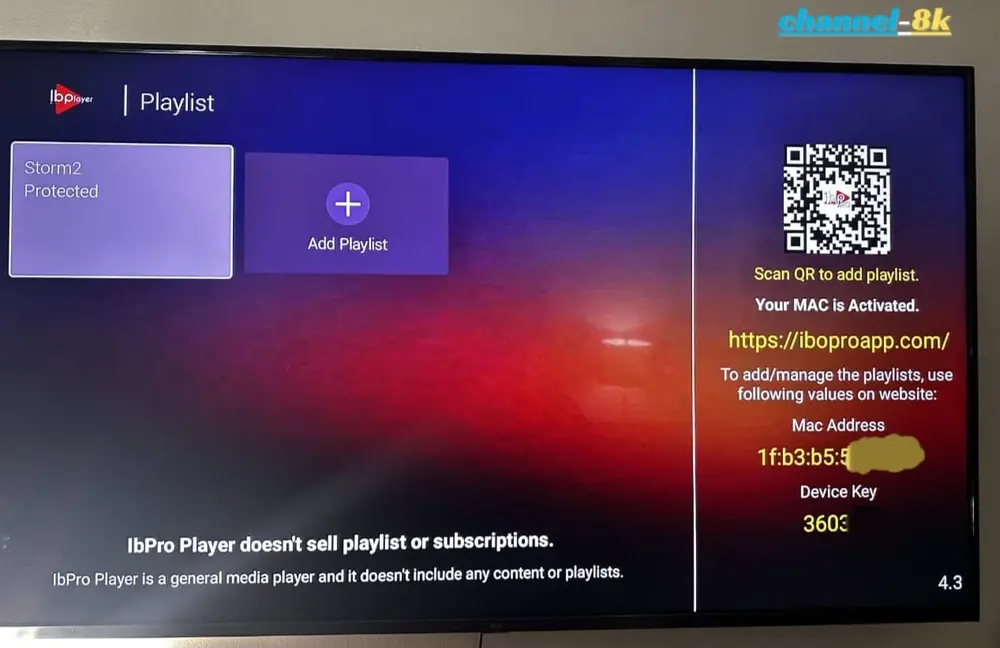
Note: IBO Player Pro offers a 7-day free trial. Afterward, a small one-time app fee is required by the developers. Subscriptions purchased from us include full app activation.